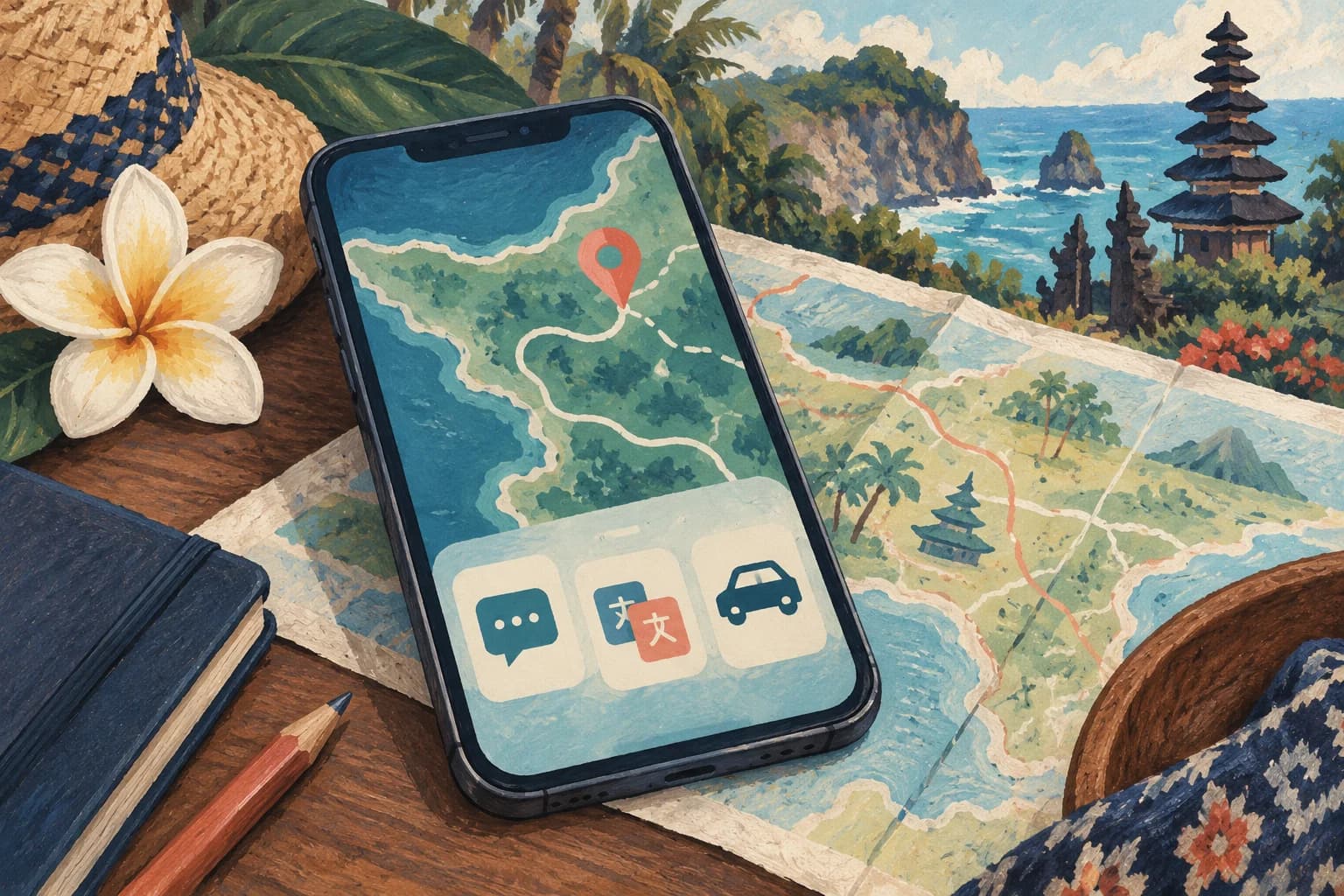
Installing an app is not the same as being ready to use it. First-time logins, verification texts and payment setup are easier to handle before you leave home.
Rides: Grab and Gojek
Install the official apps and test sign-in. Check payment options and learn the difference between car and motorbike services. After arrival, enter the property’s map pin and check the fare and pickup point before requesting a ride. The airport transport page is another useful reference.
Maps: save the entrance, not just the name
Save the property, airport and any booked venues. Offline maps do not provide live traffic or book rides. An entrance may be on a different lane from the map label, so follow arrival instructions supplied by the property.
Save the email or WhatsApp contact provided with your reservation and test notifications. Sign into services that require your home-number SMS before changing mobile lines. Never share verification codes with someone claiming to help.
Translation and weather
Check whether your translation app can download Indonesian for offline use. Show addresses in their original form rather than translating them. Use BMKG or the official InfoBMKG app for current weather information, including warnings and timing.
The final test
Switch to airplane mode and try opening the accommodation address, booking confirmation and transfer contact. If they still open, a failed data setup will not leave you without the information needed for your first journey.